Create your introduction with VivIntro. Vivara is the link you share. Save changes privately, then publish them at the same link. You decide when to share your chosen contacts.
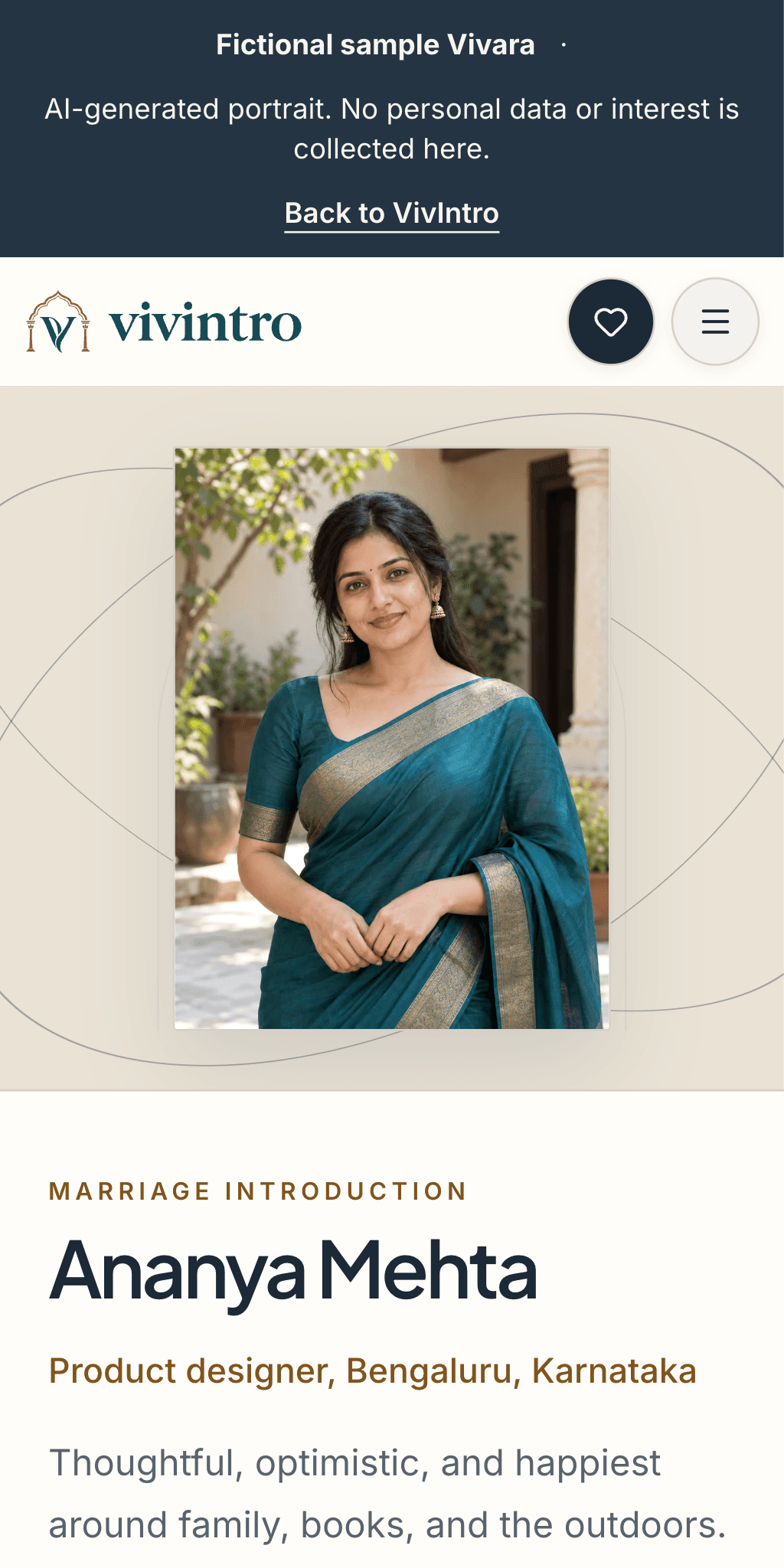
Her work, family, everyday joys and hopes for the future, brought together in one introduction. A prospective partner can get a first sense of the person before a conversation begins.
A PDF can reach families you have never spoken to. Older versions keep circulating after your work, photos or plans change.
Share your Vivara link once. Save changes privately, then publish them at that same link. The next person who opens it sees your latest published introduction.
Anyone with your link can read the public introduction. A viewer can Show interest and confirm their email without an account. You decide whether to email your chosen contacts.
Public introduction
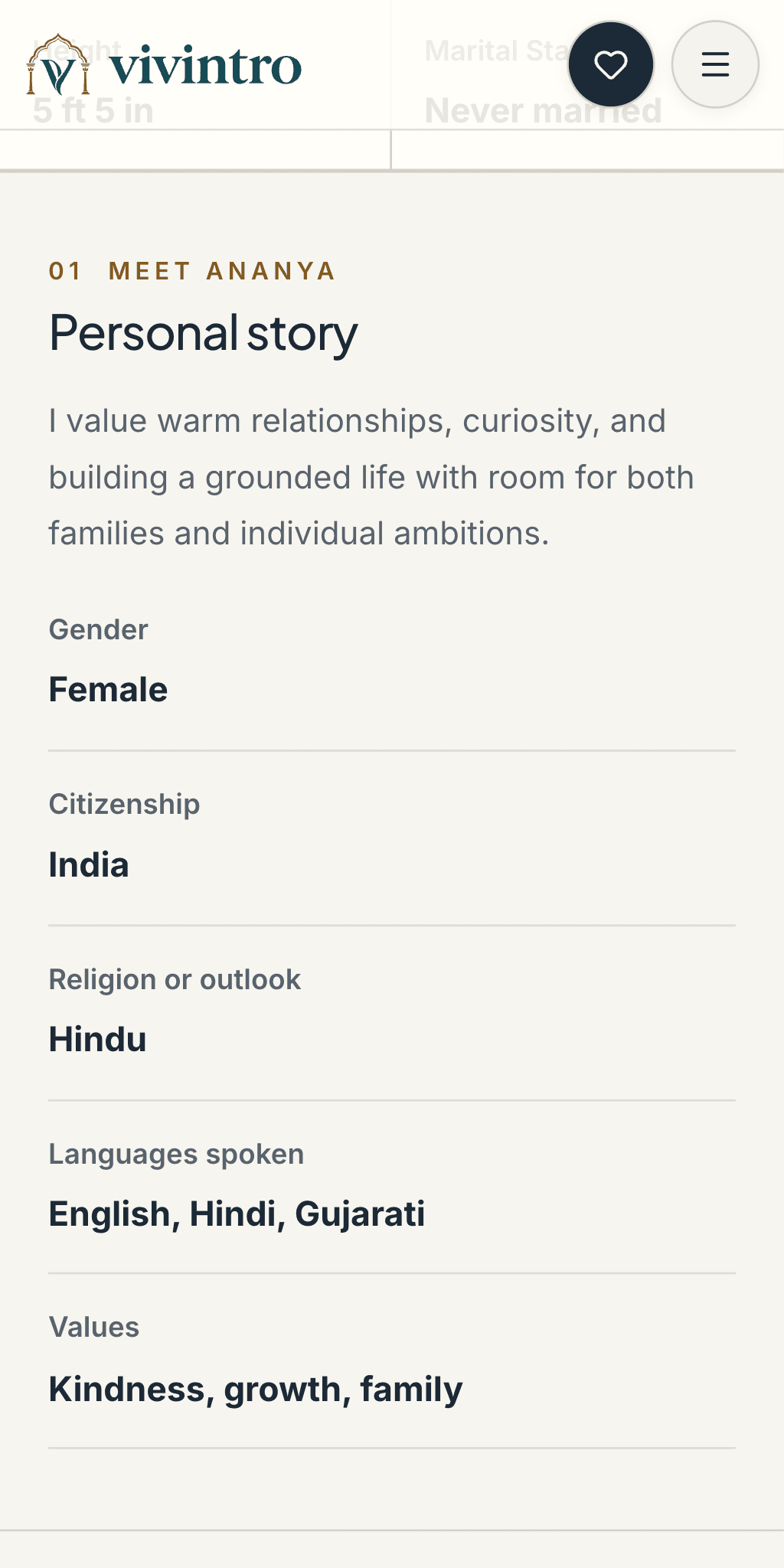
Your published name, age, marital status and the story and photos you choose for the public view.
Chosen contacts
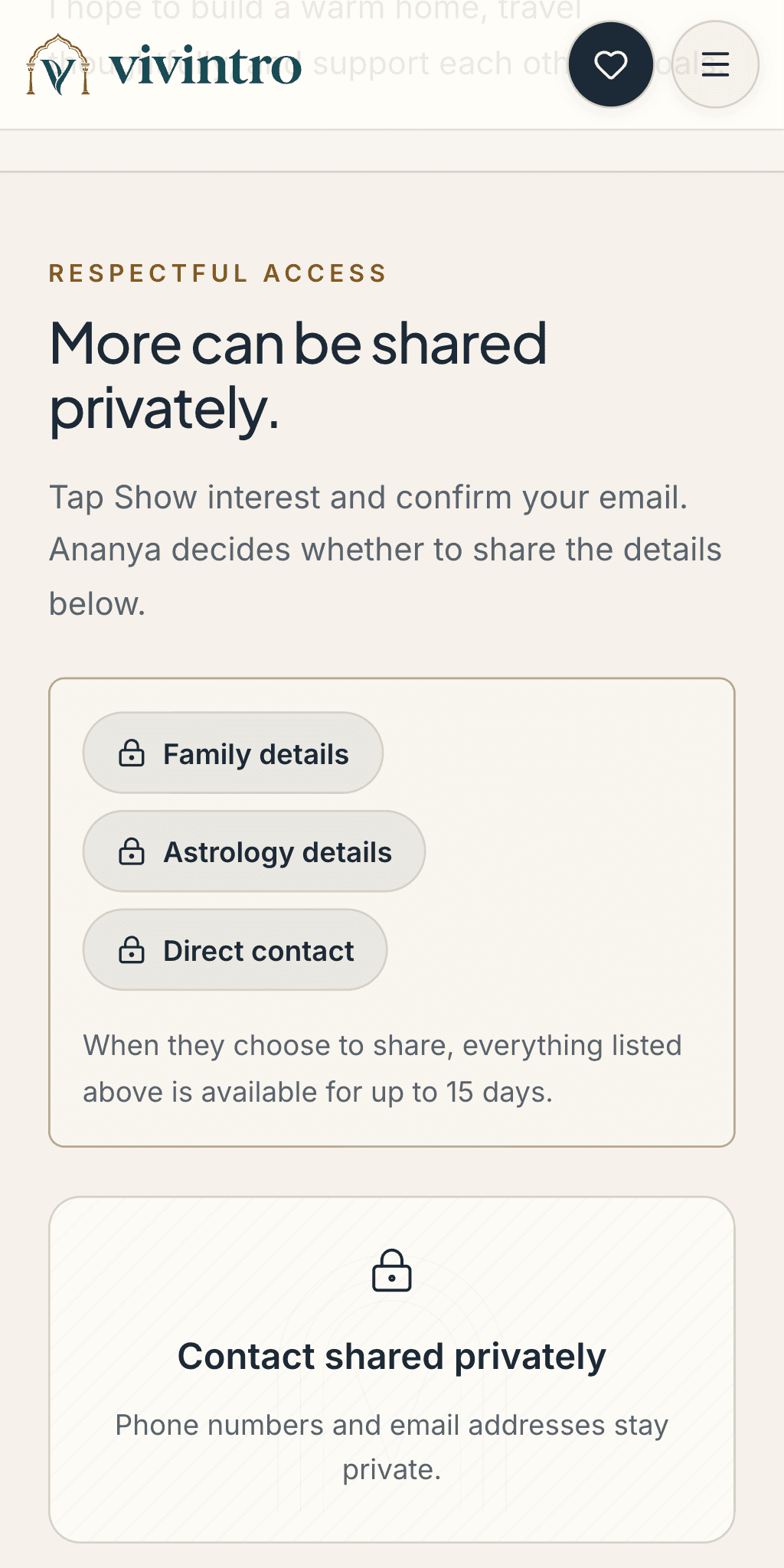
Emailed only when you approve an interest request. Review the recipient and published contacts first.
Private notes
Your notes and street address aren’t included in either shared view.
Anything someone can see, they can screenshot. Keep phone numbers and other private details out of your public story. Copies already saved can’t be recalled.
Create, share, pause or leave when it makes sense for you.
01 · Create
Make your introduction.
Save it privately until you’re ready to publish.
02 · Share
Share your Vivara link.
Send it when you’re looking. You choose who receives it; they may forward it.
03 · Pause or replace
Take a break or change your link.
Unpublish to stop viewing, or replace the link to retire the old URL.
04 · Leave
Delete when you’re done.
Request account deletion in Settings. A 24-hour recovery window comes first.
Why we call it a Vivara
ವಿವರ
In Kannada, vivara can mean an explanation or account in detail. We chose it for the link you share when you want a prospective partner to get to know you.
Getting to know a prospective partner involves more than qualifications and photographs. There is family, everyday life, what matters to you and the future you hope to build together.
Your Vivara link opens your published introduction on VivIntro. It starts a conversation; getting to know each other still takes time and your own judgment.
VivIntro
The product. “Viv” comes from Vivah, meaning marriage; “Intro” refers to making an introduction.
Vivara
The link you share to your introduction. Publish updates at the same link and decide when to email your chosen contacts.
Families often share a marriage biodata as a file. When details change, old copies may still circulate. VivIntro gives you one link to update, while keeping private details separate.
An introduction is a first step. Getting to know someone still takes conversation, time and your own judgment.
Your family can help you prepareYou create and publish your own introduction. Parents or siblings can help with the details and share your link.Share with people you knowSend your published link through WhatsApp, email, relatives or a broker you work with. VivIntro does not find or recommend matches.
Sharing, from both sides.
Received a Vivara link?
You can read the public introduction without an app or account.
To Show interest, introduce yourself and confirm your email. No account is created. The person decides whether to email you their chosen contacts.
Vivara is the link you share to your marriage introduction on VivIntro. Anyone with an active link can read the public introduction. You decide whether to email your chosen contacts after someone shows interest.
Does someone need an account to open my Vivara link?
No. Anyone with the active link can read the public introduction without signing in. To Show interest, a visitor introduces themselves and confirms their email with a code. This does not create a VivIntro account, sign them in, or give them private access. Email confirmation is not proof of identity.
Do saved edits change the introduction I have shared?
Not until you publish the update. Saving keeps edits in your private draft. Publishing updates the introduction at your existing Vivara link, so you do not need to resend a file.
Can my link be forwarded?
Yes. Anyone with the active link can read the public view, and anything visible can be saved or screenshotted. Forwarding the link does not transfer access to private details. Replacing your link stops the old one from opening; it cannot erase saved copies.
What happens after someone shows interest?
You can review the request and choose whether to email the contacts in your current published introduction. The visitor does not receive private profile access. Review the email address and contacts before approving; an email already sent cannot be recalled. Existing private access grants from the earlier sharing flow continue until their scheduled expiry unless you stop them sooner.
What does “Liveness checked” mean?
Standard publication requires a live camera check through Didit. The badge means a live person passed that check. It does not verify legal identity, compare photos, or confirm the details in an introduction. VivIntro records consent and normalized results, not the live camera capture. Provider processing and cleanup are explained in the Privacy Policy. Test publications without this check have no badge.